Who Is This Guide For?
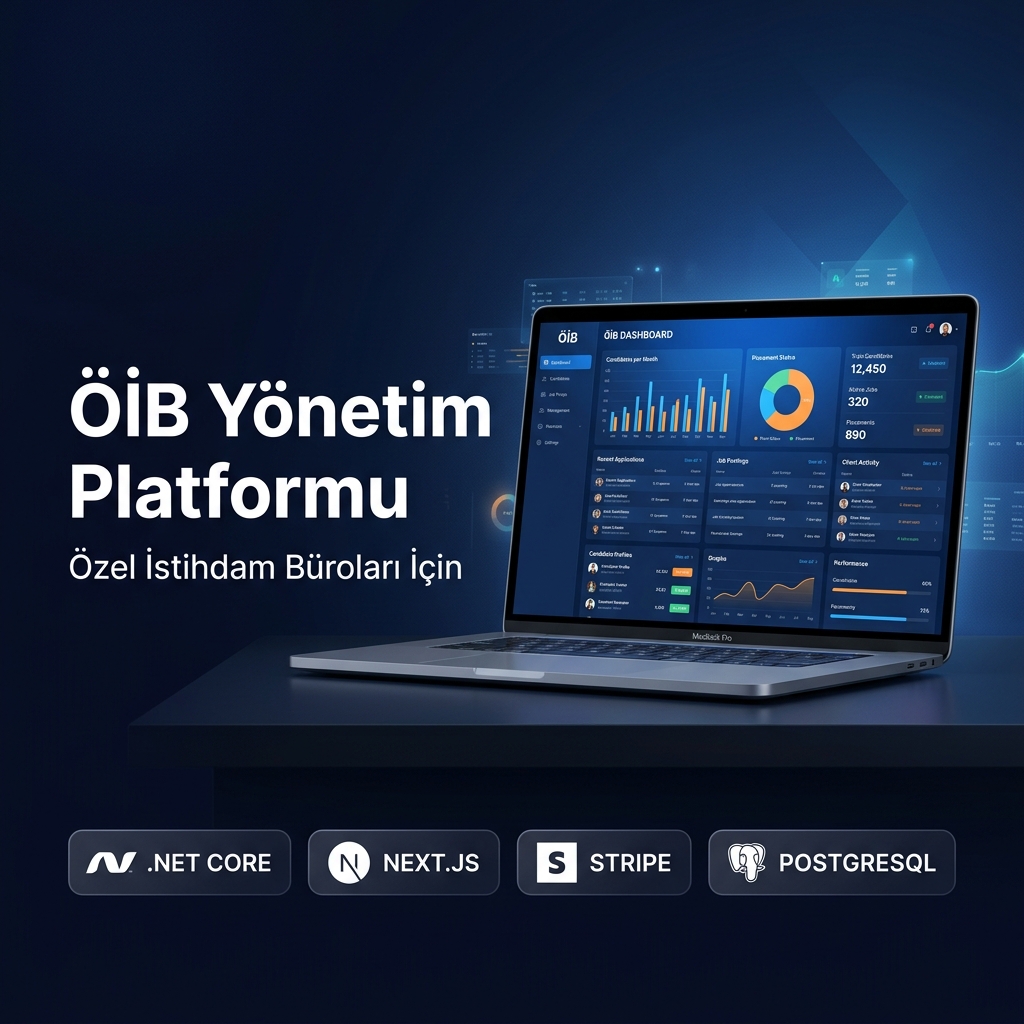
This guide is for agency managers, HR specialists, and system administrators using the Ankara Software Employment Platform for the first time.
First Login
Ankara Software team creates an admin account and sends login credentials to your email. You will be asked to change your password on first login.
Candidate Management
Candidates can register through manual entry by staff or via the online application form on your website. The system automatically parses uploaded resumes to extract education, experience, and skill tags.
Company Management
Register employer companies with their trade name, tax number, sector, and contact information. Create job requests with position requirements, salary range, and start date.
AI-Powered Matching
After a request is created, the AI engine compares candidate profiles against request criteria and calculates a compatibility score (0-100).
Reporting
The system automatically generates monthly placement reports, company-based statistics, and regulatory compliance reports.
FAQ
All data is encrypted with AES-256 and hosted in Turkey. Unlimited candidate registration in enterprise plans. CSV/Excel bulk import is supported.