

Mobile apps / Productivity
Ders Robotu
Prepare the school timetable, build the duty roster, export PDF and Excel.


Screenshots
About
Ders Robotu is a timetable app for school principals and vice principals. You sign in with your dersrobotu.com account; the data on the phone, tablet and computer is the same.
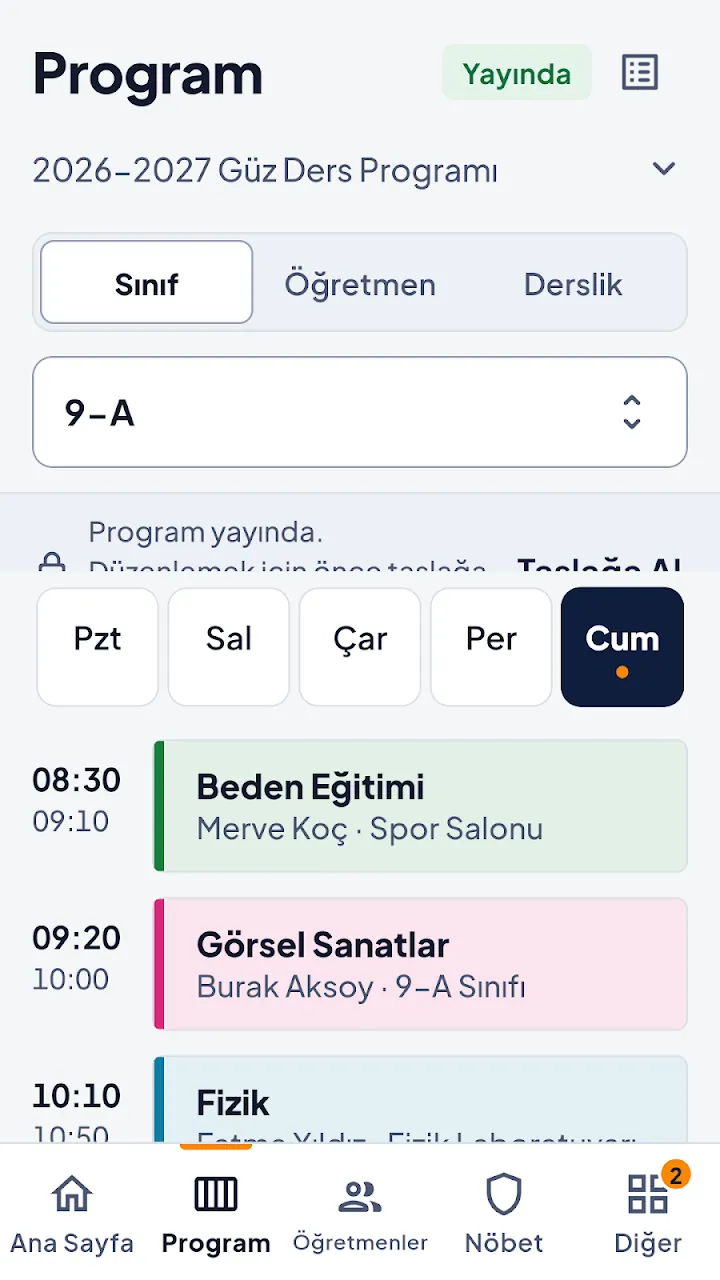
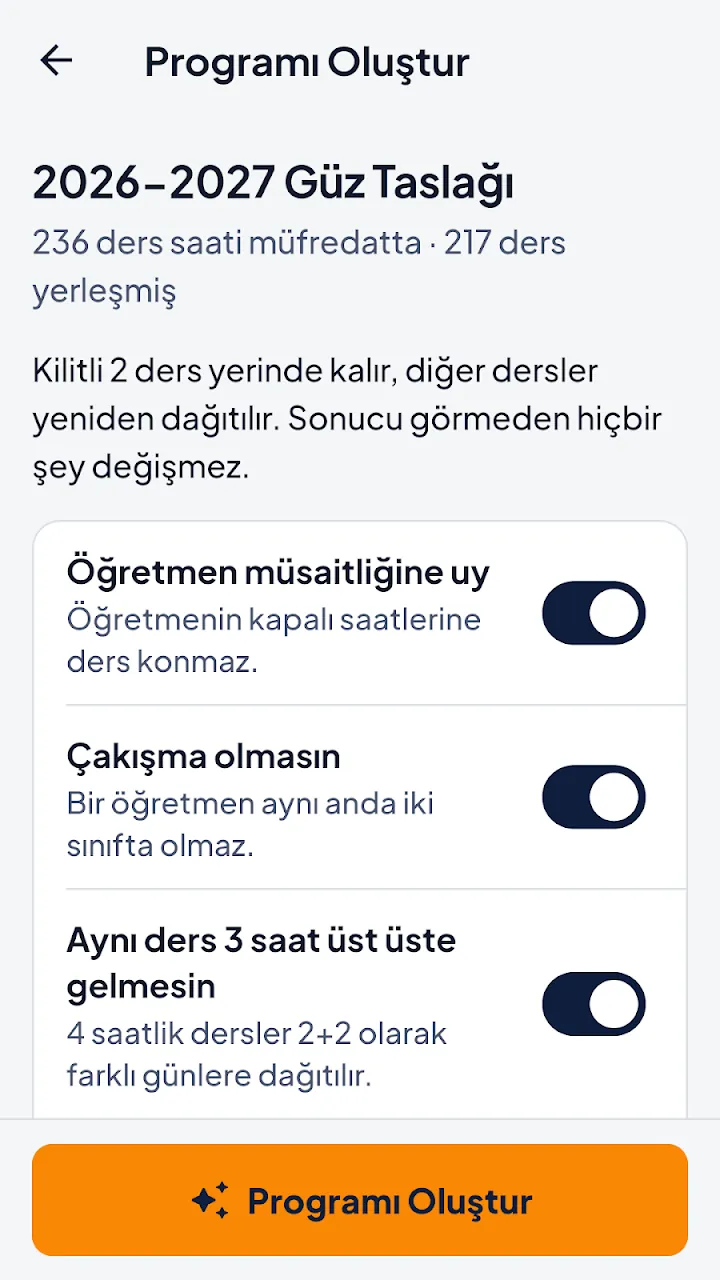
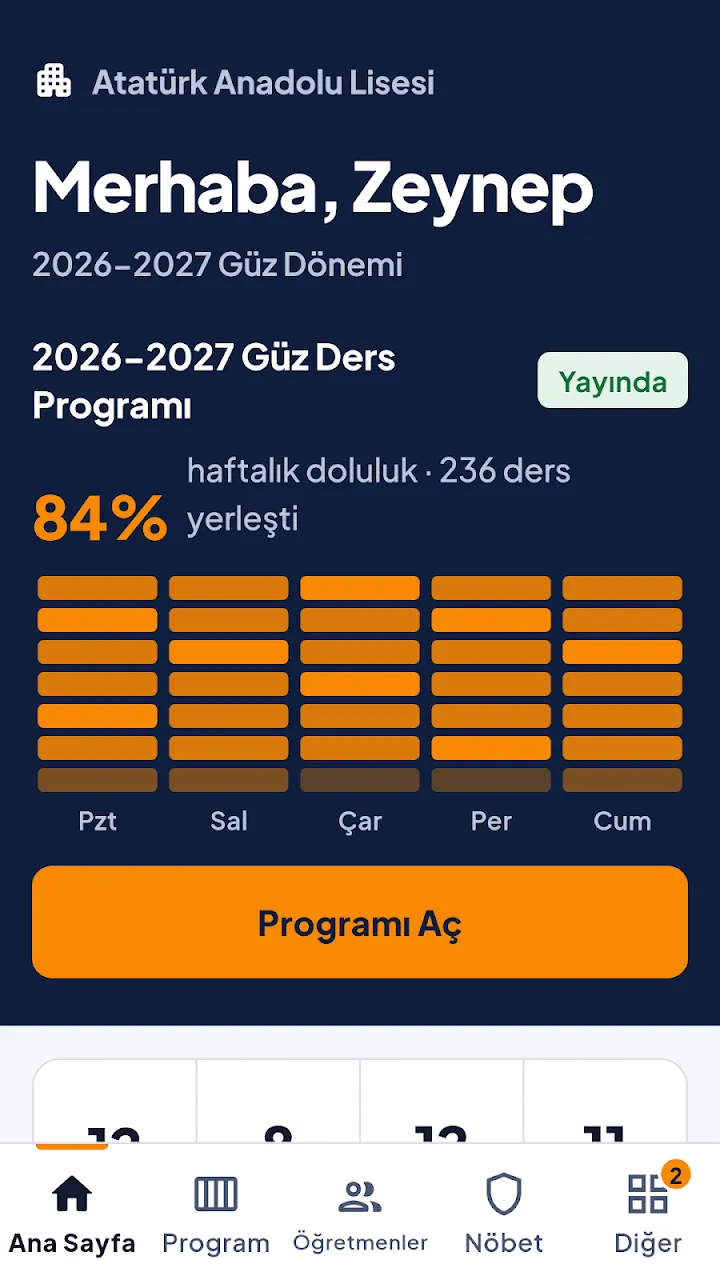
You see the weekly timetable by class, teacher or classroom. "Create Timetable" prepares it automatically; before applying you see the result, the lessons that did not fit and why. Conflicts are listed.
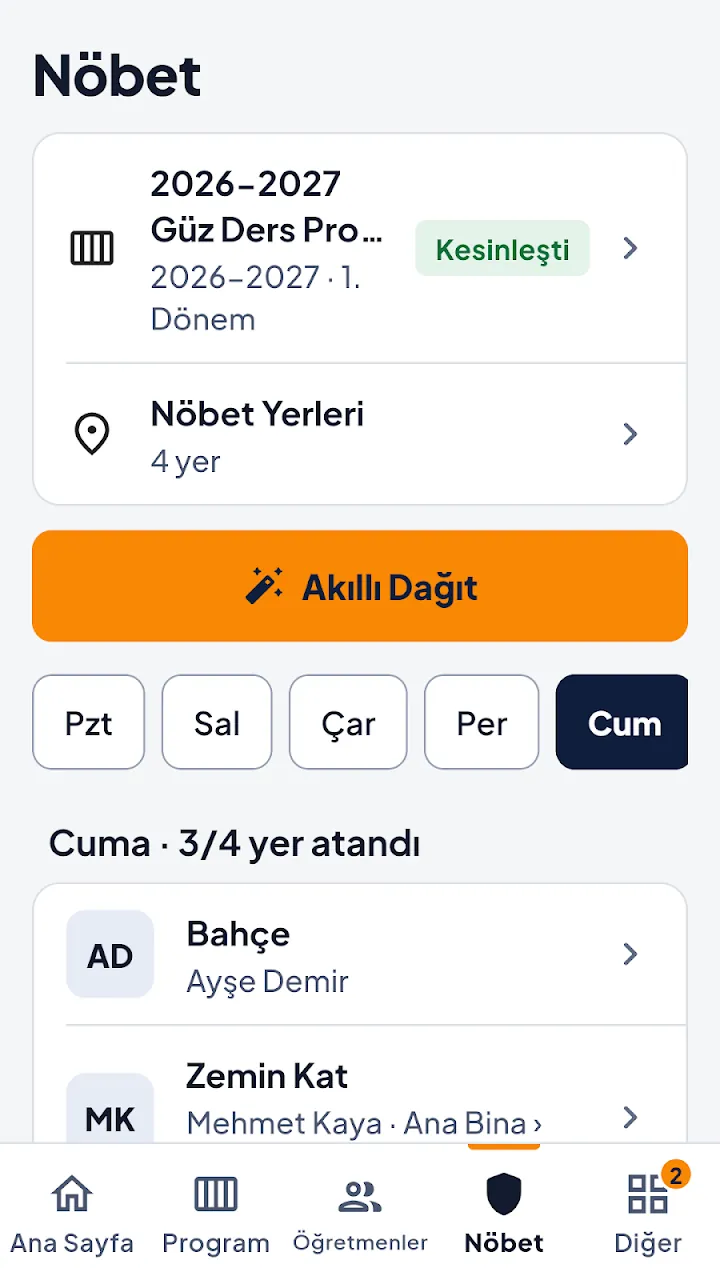
You plan duty locations and days, and share or print timetables and the duty roster as PDF or Excel. Ders Robotu is free.
How to use it
- Sign in with your dersrobotu.com account: email and password, or a Google account.
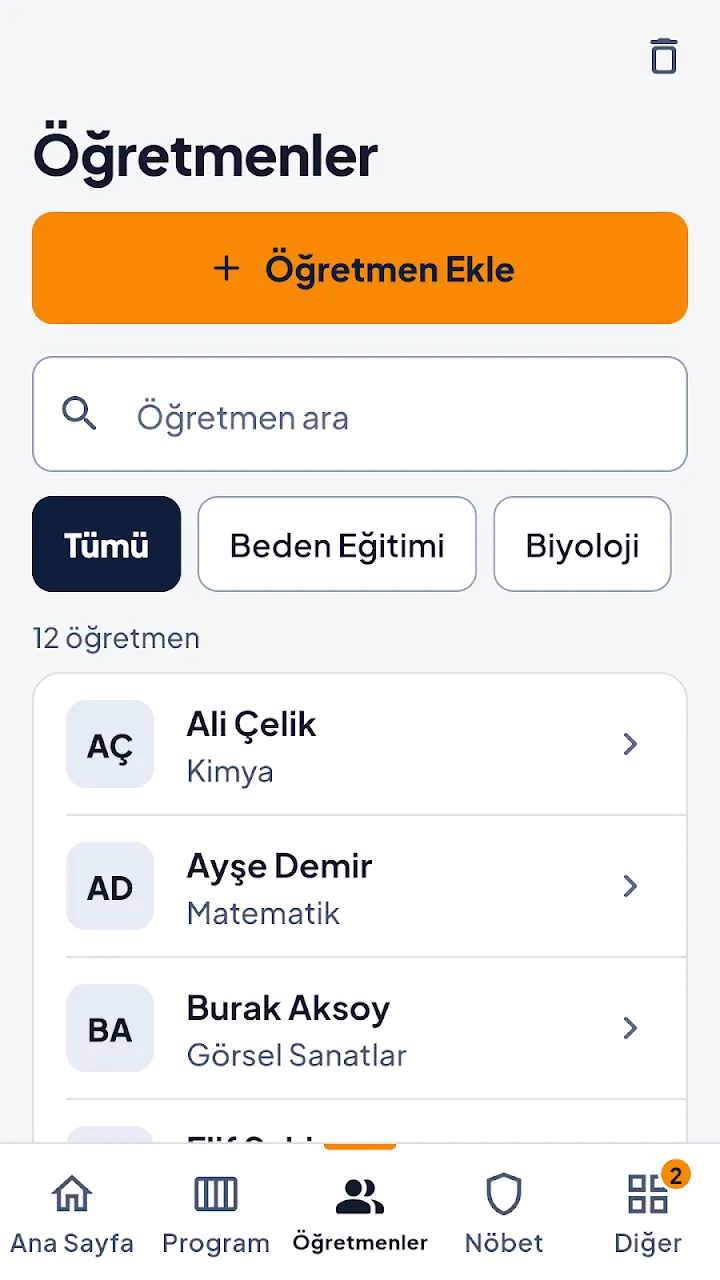
- In Definitions add teachers, classes, courses, classrooms, terms and working hours; set teacher availability.
- On the Timetable screen tap "Create Timetable"; review the result and the lessons that did not fit before applying.
- On the Duty screen plan duty locations and days; preview with "Smart Distribute", then save.
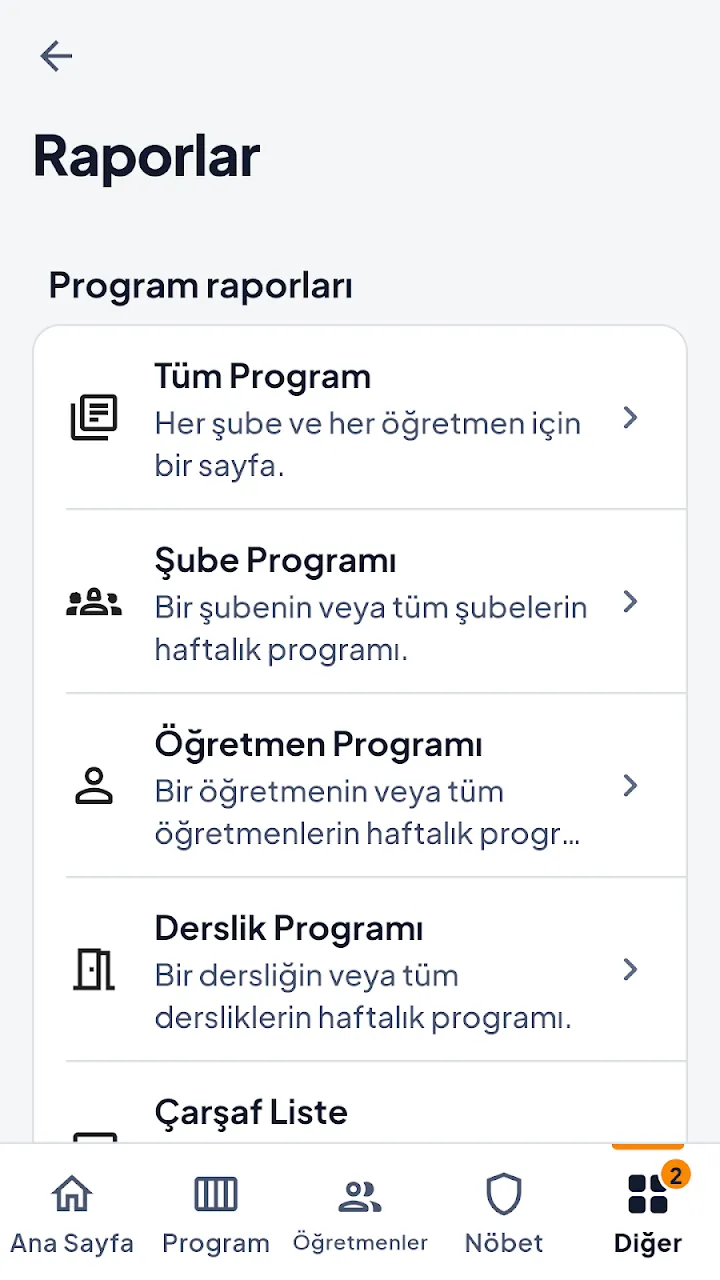
- From the Reports screen share or print the timetable and the duty roster as PDF or Excel.
Product film
Conflict-free timetable | DersRobotu