

Mobile apps / Business
PBS
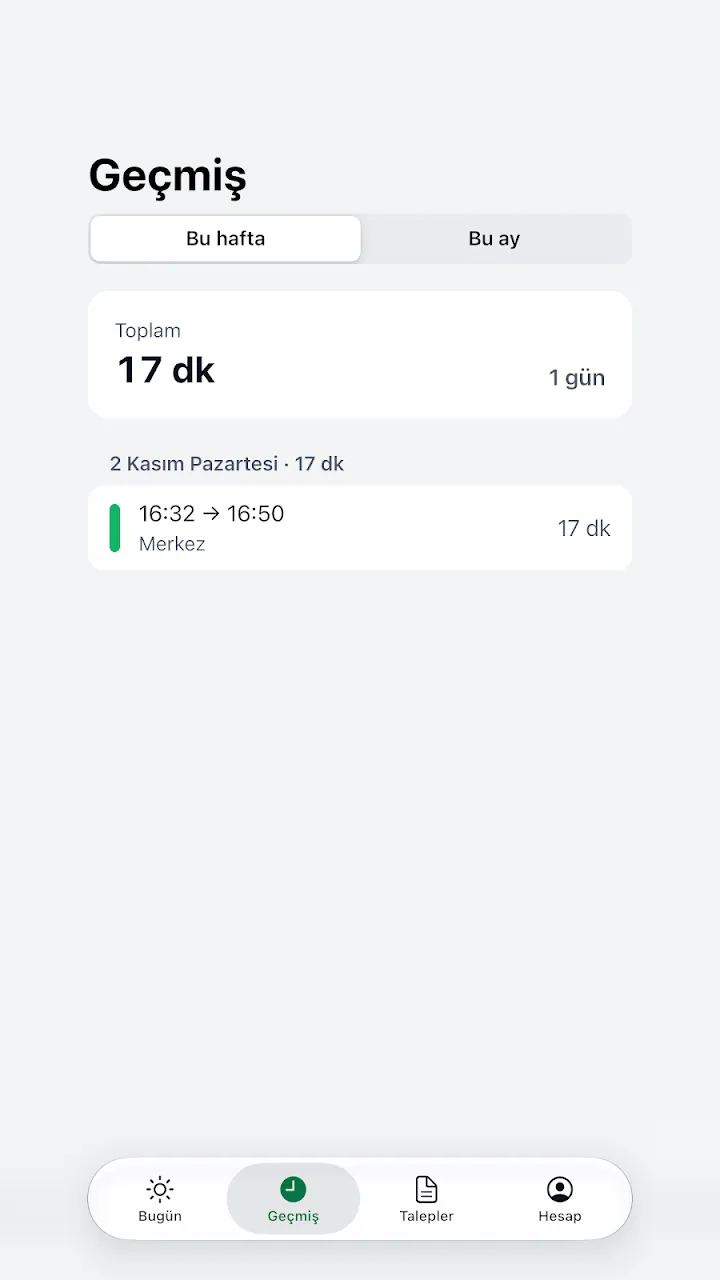
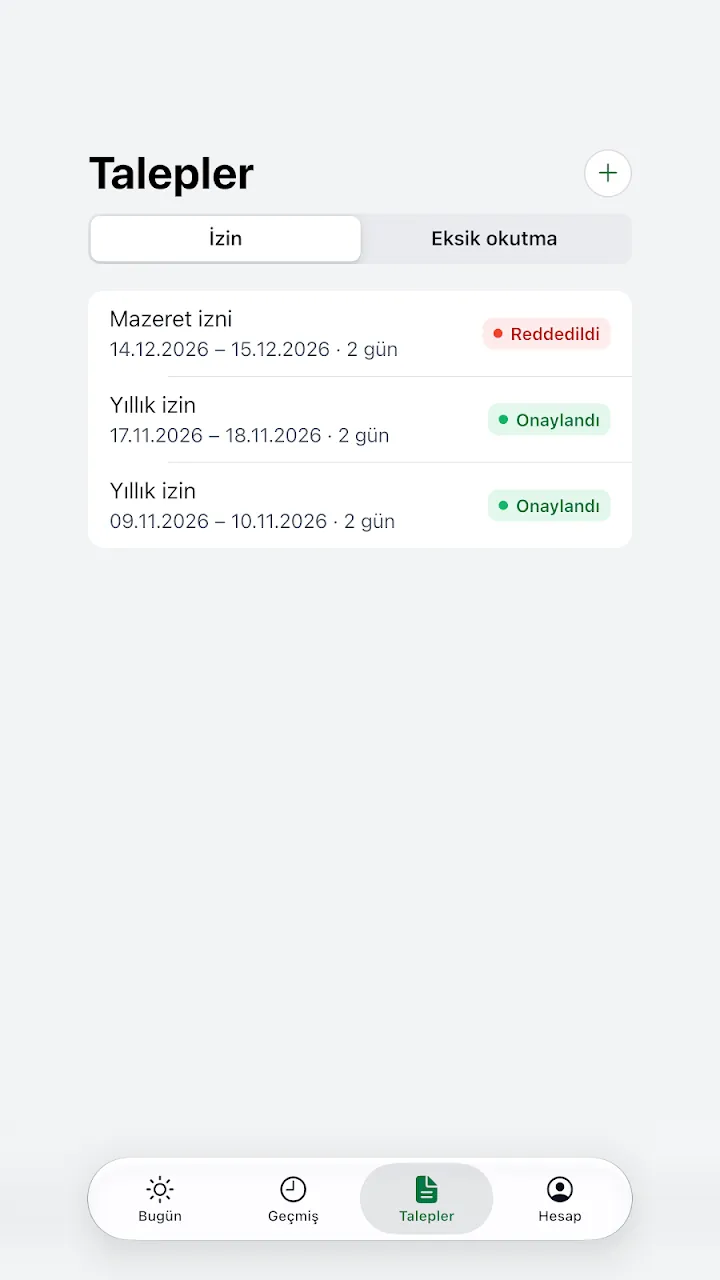
Staff clock-in and clock-out with QR code and NFC card, leave requests and team approvals.

Screenshots
About
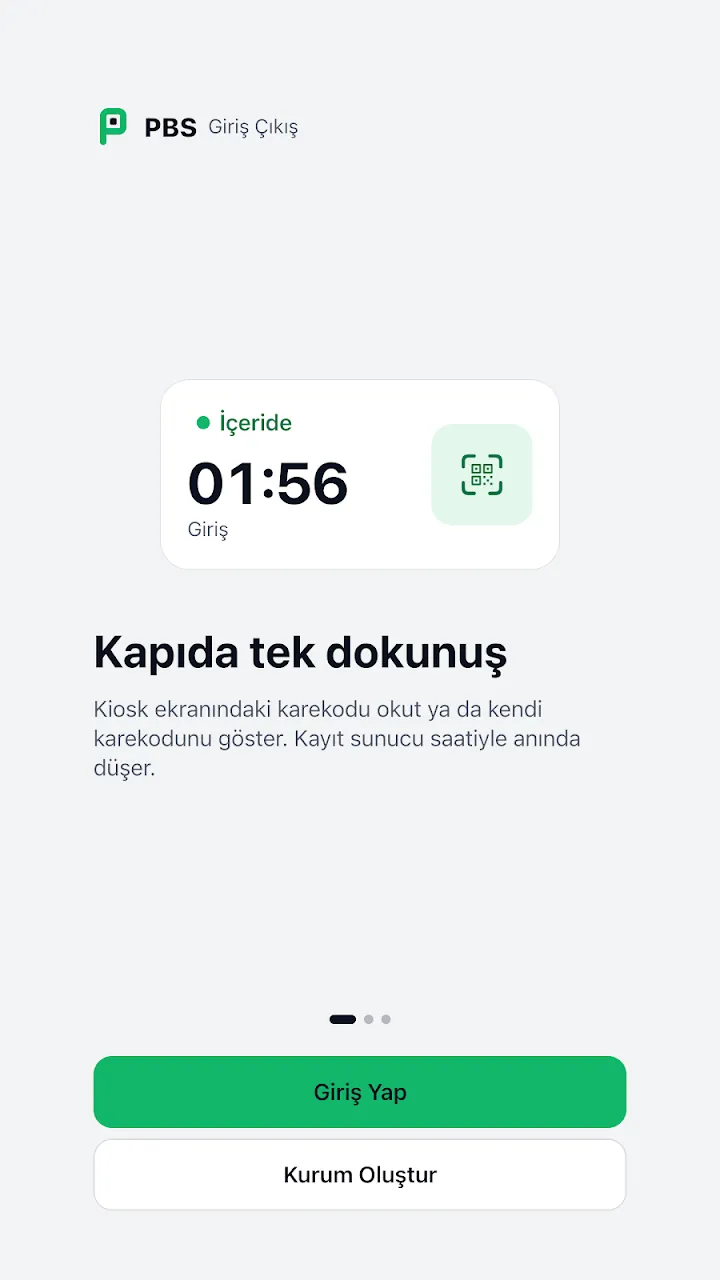
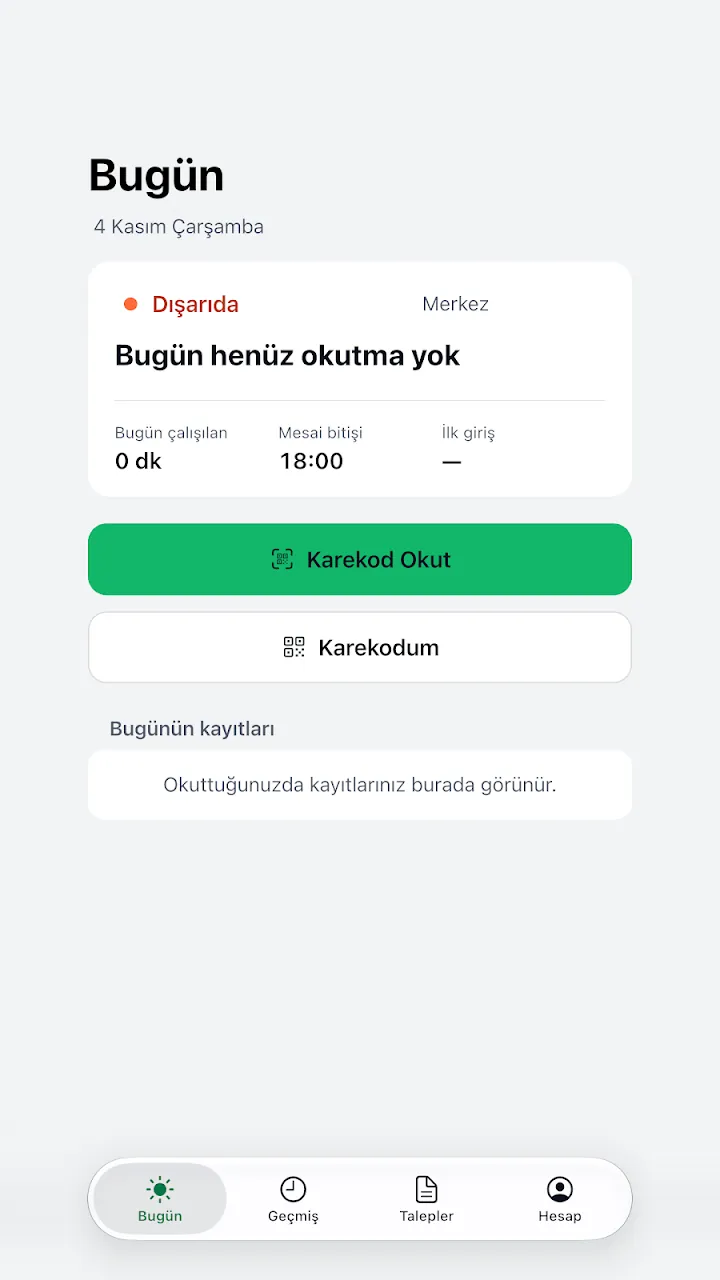
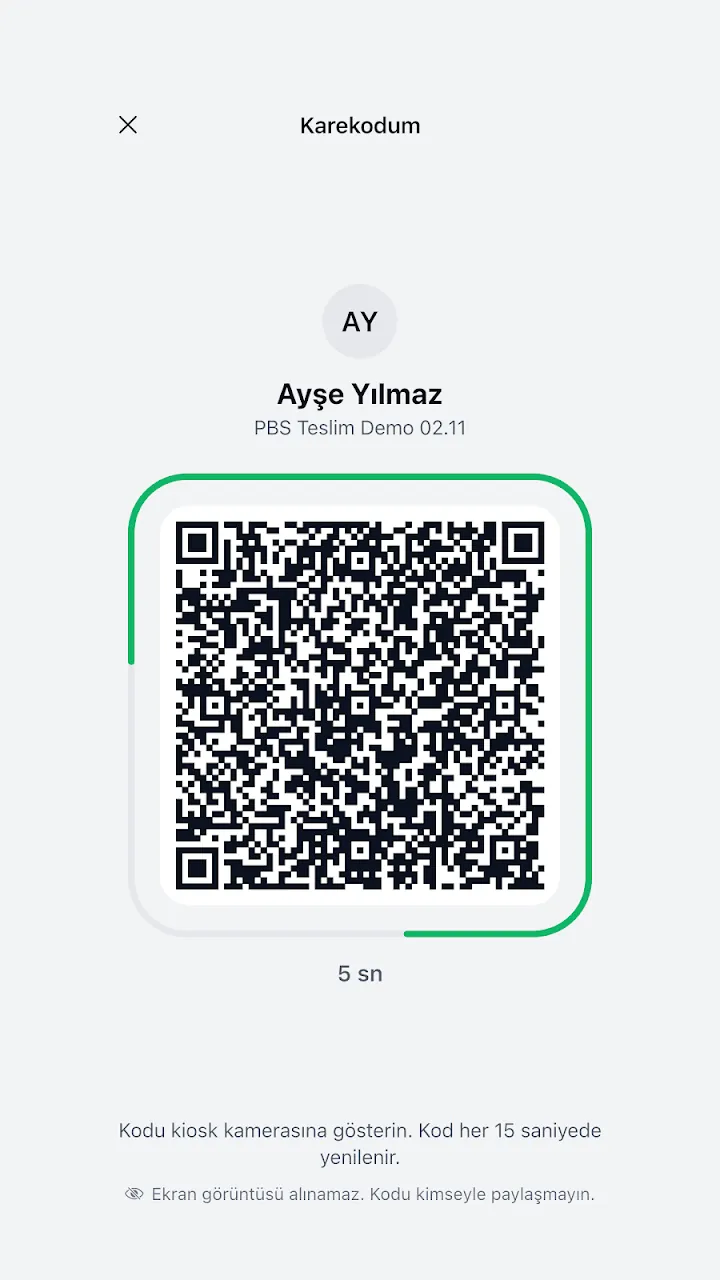
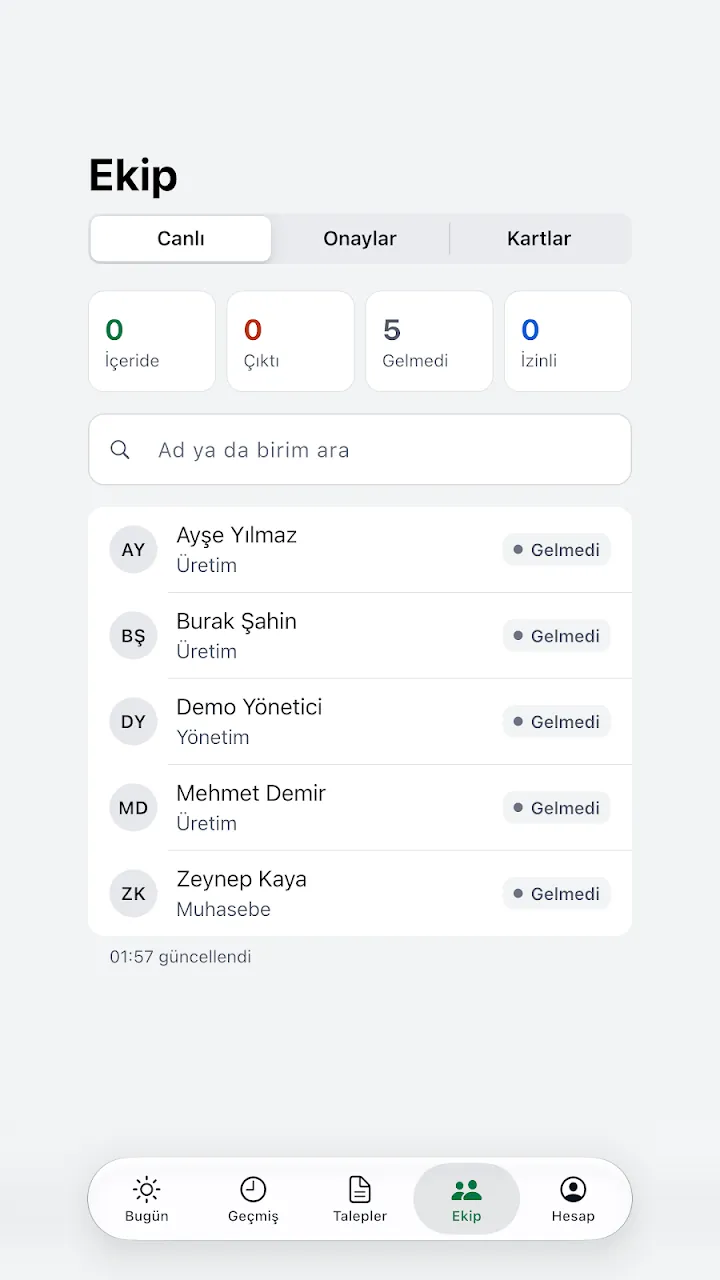
PBS is a time and attendance app that organisations use to record staff clock-ins and clock-outs. Staff scan the QR code on the screen at the workplace or show their own QR code; managers approve leave and missed-entry requests from the phone.
You need to belong to an organisation to use the app. If you do not have one, you can create your own organisation in the app; the Starter plan is free for up to 10 active staff.
Without a connection, the scan is stored encrypted on the phone and sent with the time of the scan once the connection returns. The QR code is single-use and keeps refreshing.
How to use it
- If your organisation uses PBS, sign in with the email and password your manager gave you.
- If you do not have an organisation, tap "Create organisation" on the welcome screen, open your account and register your organisation. The person who creates it becomes the manager.
- Define staff, locations and the kiosk in the web panel: panel.ankarayazilim.org
- To clock in and out, scan the QR code on the workplace screen or show your personal QR code to the kiosk camera.
- Send leave and missed-entry requests from the Requests tab; managers approve them from the phone.